CashScroller Ease of Use: Do You Need Tech Skills to Run It?
Do you need tech skills to use CashScroller?
No. CashScroller is a browser-based composer and scheduler, so nothing installs and there is no code to write — if you can type a post and pick a time, you can run it. The only real skill it asks for is judgement: deciding what to post and reading whether it worked.
- Runs in your browser — nothing to download, install or update.
- No coding, no server setup, no jargon to learn first.
- The hard part is judgement, and no tool can remove it.

The single most common question we get about this software is not about price or features. It is quieter than that, and it usually arrives with an apology attached: "I'm not very technical — will I actually be able to use it?" If that is your worry too, the honest answer is reassuring. The whole point of CashScroller ease of use is that the mechanics are meant to disappear. It is a web app for composing, scheduling and publishing social media posts, and the parts that intimidate people — installing software, configuring servers, writing code — simply are not part of it. You open a page in your browser, you type, you choose when it goes out, and you press a button. That is the job.
So this article is not a sales pitch about how "anyone can do it". It is a straight look at exactly which skills the tool needs from you, which it removes entirely, and the one thing it can never do no matter how polished the interface gets. Because the truth about ease of use is more interesting than "it's easy": the buttons are trivial, and the thinking behind them is the whole game.
What CashScroller ease of use actually asks of you
Let us separate two things that get tangled together. There is the operational skill of driving the software — clicking, typing, scheduling — and there is the editorial skill of deciding what is worth saying. People who describe themselves as "not techy" are almost always worried about the first one. Good news: the first one is close to nothing. A person who has never opened a scheduling tool in their life can write and queue a post on their first session, because the composer behaves like every message box they have ever used. You type into a field. You attach an image the same way you attach one to an email. You pick a date and a time from a calendar. There is nothing to memorise.
The second skill — knowing what to post — is real, and it is the part the software deliberately does not touch. That is not a flaw. It is the correct division of labour. A tool that tried to decide your message for you would be a tool you could not trust with your own voice. If you want the mechanics laid out screen by screen, our step-by-step guide to scheduling social media posts walks through the exact sequence, and it is short because the sequence is short.
Nothing installs: it lives in your browser
This is the fact that resolves most of the anxiety before it starts. There is no download. There is no installer that might fail halfway, no "this app is from an unidentified developer" warning, no update you have to remember to run, and no worry about whether your laptop is powerful enough. CashScroller loads on a web page like any other website. If your device can open this article, it can run the tool.
That browser-based design has three practical consequences worth spelling out:
- Your device barely matters. Windows, Mac, a cheap Chromebook, a work computer you are not allowed to install anything on — all of them open a web page, so all of them run the composer. The heavy lifting happens on the web, not on your machine.
- There is nothing to maintain. No version numbers, no patch notes to chase, no reinstalling after a crash. You log in and the current version is simply what loads.
- Getting started is measured in minutes, not evenings. The gap between "I bought it" and "I scheduled my first post" is a login and a few clicks, not an afternoon of setup.

The three actions that make up almost everything you will do
Strip the interface down and the day-to-day of using CashScroller comes to three verbs. Learn these and you have effectively learned the tool.
1. Compose
Write the post in a text box. Add an image if you want one. If you are staring at a blank field, the assisted drafting features can hand you a starting point — but treat that as a first draft to rewrite in your own words, never as the finished article. Generic copy reads like generic copy, and audiences scroll straight past it. If sharpening that draft is where you feel weakest, that is a writing skill you can build, and writing posts that stop the scroll is the guide for it.
2. Schedule
Choose the accounts and the time. This is the feature that earns the subscription for most people: it lets you sit down once, write a week of posts in a single session, and let them go out on their own afterwards. Batching like that costs far less attention than writing one post on each of seven separate days.
3. Review
After posts have gone out, the numbers land in one place instead of being scattered across three apps. Reading those numbers — and changing what you do next because of them — is the only reason the numbers exist. That reading is a judgement skill, not a technical one.

Ready to see how simple the workspace is?
CashScroller is a browser-based posting tool sold as a one-time purchase with a 60-day money-back guarantee through ClickBank. There is no software to install and no coding to learn — you log in and start composing.
See the Current CashScroller OfferOne-time payment · instant digital access · no income claim is made
Three objections worth answering honestly
"I'll press the wrong thing and break something"
You will not. This is the fear that keeps the most capable people away from perfectly simple tools, and it is almost always misplaced. A scheduler is not a live broadcast; it is a queue. A scheduled post sits in a list where you can see it, edit it, move it or delete it before it ever goes out. There is no red button that publishes to the world the instant you touch it. The worst realistic mistake is scheduling something for the wrong time, and that is a two-second fix in the queue. Nothing you do in the composer is irreversible in the way you are imagining.
"Isn't this really a tool for marketers and coders?"
No — and this is worth being clear about, because the category has a reputation problem. Plenty of "marketing software" is genuinely built for specialists, bristling with dashboards nobody outside an agency understands. A posting tool is not that. Its job is to remove work, not to add a discipline you have to study. The people who get the most out of CashScroller are not marketers; they are ordinary users who post regularly and are tired of having to be at a screen every time something needs to go out. If you want the complete inventory of what is and is not included, the full CashScroller features walkthrough lists it without the marketing gloss.
"There must be a steep learning curve somewhere"
There is a curve, but it is not where you expect. The software itself has almost no learning curve — most people are scheduling within minutes. The real curve is editorial and it never goes away, for any tool: learning what your audience actually responds to. That is not something a manual can teach and not something a smoother interface can shortcut. It is practice. Anyone selling you a tool on the promise that it removes that curve is selling you the wrong half of the problem.
What no tool can do for you — including this one
Here is the part most "is it easy to use" articles skip, and it is the most important part. Ease of use is not the same as ease of results. CashScroller can make posting effortless. It cannot make posting work. Those are different promises, and confusing them is how people end up disappointed by a tool that did exactly what it said.
A scheduler removes the mechanical friction: the remembering, the copying across platforms, the being-at-a-screen. What it hands back to you, untouched, are the things that decide whether any of it matters — relevance, voice, timing judgement and the trust that makes anyone act on what you post. A tool multiplies whatever you already bring. Multiply a strong, consistent message and you save real hours. Multiply a message nobody wants and you have simply automated the ignoring of it faster. This is not a criticism of the software; it is the honest ceiling of the whole category. If you would like that line drawn in more detail, our companion piece on what social scheduling tools can and cannot automate is the fuller version of this argument.
A realistic picture of your first week
Forget the marketing timeline. Here is what learning this tool actually looks like for someone who calls themselves non-technical. On day one you log in, and within a few minutes you have written and scheduled a post, which surprises you because you expected it to be harder. Over the next couple of days you schedule a handful more and start to feel the rhythm of batching — writing several at once instead of one at a time. By the end of the first week the software has essentially stopped being a thing you think about. It has become the plumbing.
And that is exactly the point at which the real work begins, because now the only variable left is what you choose to say. That is the good kind of problem to have: the tool is out of your way, and your attention is free to go where it counts. Some people find, at that stage, that they want to compare their setup against the free scheduling that some platforms already include — how CashScroller compares with free built-in schedulers is the sober version of that decision, and it is worth reading before you assume paid is always better.
The honest summary
Do you need tech skills to use CashScroller? Genuinely, no. Nothing installs, it runs in a browser, and the interface is built so the mechanics disappear. If you can type a post and choose a time, the operational side is already behind you. What the tool cannot do — and what no tool in this category can do — is supply the judgement about what to post and the honesty to read whether it worked. Those stay with you, and the sooner you accept that, the more useful the software becomes. Easy to run, worth thinking about: that is the accurate description, and it is a better deal than "anyone can do it" ever was.
Related reading
- CashScroller features explained in full — the complete inventory of what the tool does and does not include.
- How to schedule social media posts step by step — the exact click-by-click sequence, start to finish.
- CashScroller vs free built-in schedulers — when a paid tool earns its keep and when it does not.
- How to write posts that stop the scroll — the editorial skill the software cannot do for you.
Frequently asked questions
Is CashScroller beginner-friendly?
Yes. It is built for people who have never used a scheduling tool before. You type a post, pick the accounts and the time, and press schedule. There is no code, no server to set up and no jargon you have to learn first. The only genuinely new habit is planning a few posts ahead instead of writing them the moment they go out.
Do I need to install anything to use it?
No. CashScroller runs inside your web browser, so there is nothing to download, install or update, and it does not matter whether you are on Windows, a Mac or a Chromebook. You log in on a normal web page. That also means the ease of use does not depend on your device being powerful, because the work happens on the web, not on your machine.
What skills does CashScroller not replace?
Judgement. The tool can publish anything on time, but it cannot decide what is worth posting, whether your audience cares, or read the results and adjust. Those are the skills that decide whether posting achieves anything, and no software removes them. A scheduler multiplies the effort you put in; it does not supply the ideas.
Is there a steep learning curve?
Not for the software itself. Most people are scheduling their first post within a few minutes of logging in, because the composer works the way any post box works. The part that takes time is not technical at all: learning what your particular audience responds to. That is practice, not a manual, and it is the same for every tool in the category.
References and further reading
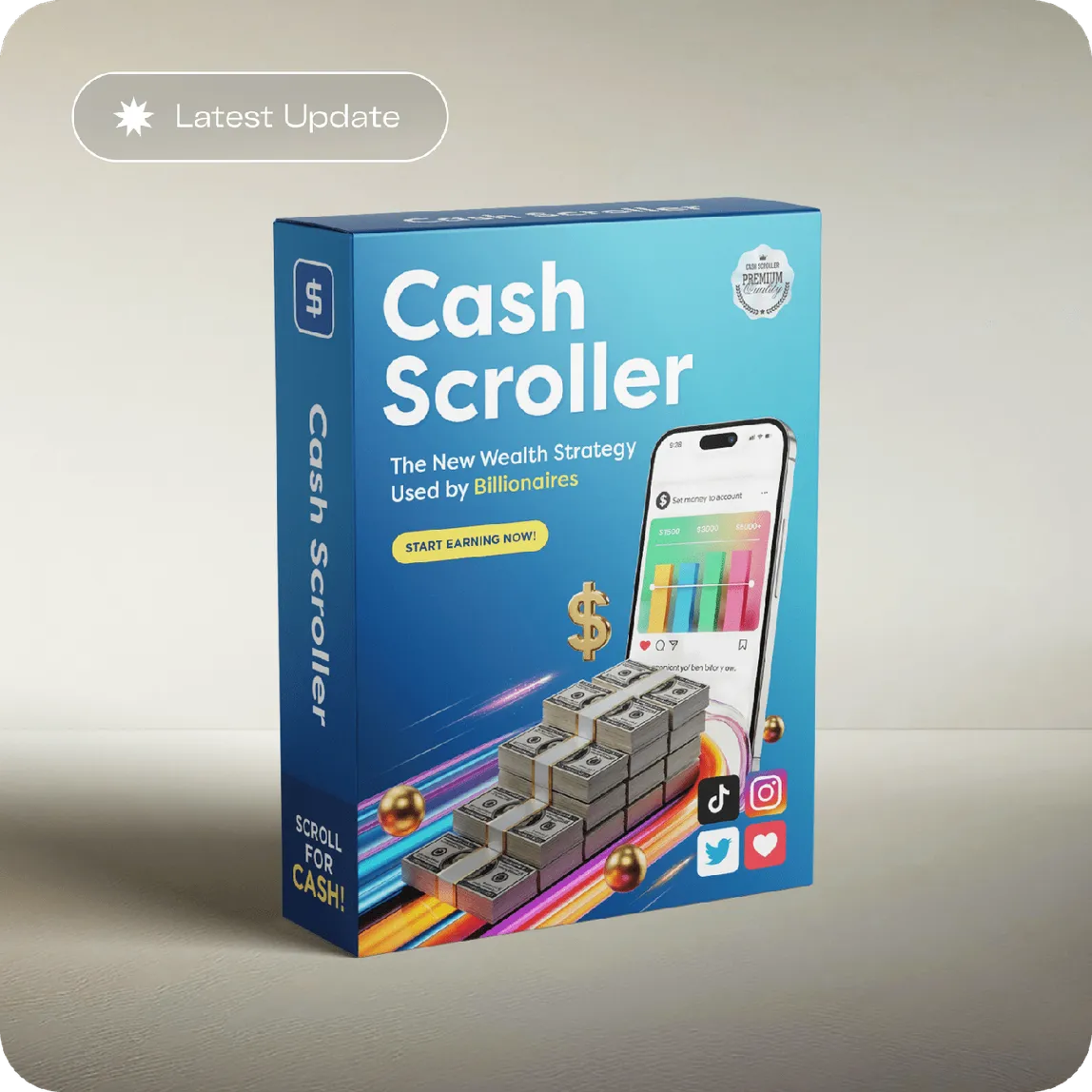
See what this site actually sells
Our main CashScroller page lists every feature, bonus and term the vendor publishes — and the ones they do not. It is a browser-based social posting tool, sold once, with a 60-day money-back guarantee through ClickBank.
Check the Official Offer