Cash Scroller Refund: How the 60-Day Money-Back Guarantee Works
Quick answer: how does a Cash Scroller refund work?
A Cash Scroller refund goes through ClickBank, the retailer of record. The seller advertises a 60-day money-back guarantee, and ClickBank's published policy allows a return within 60 days from the date of purchase, at its discretion.
- Send refund requests to ClickBank with your order number.
- The 60 days count from the purchase date.
- This site cannot see orders or issue refunds.
A Cash Scroller refund runs through ClickBank, not through the vendor and not through this site. The seller advertises a 60-day money-back guarantee. ClickBank's published policy allows a return within 60 days from the date of purchase, at its discretion. So the window starts on the day you buy, and the request goes to ClickBank with your order number.
That is the short version. The rest of this guide covers who does what, the steps to ask for your money back, how to use the 60 days as a real test and how extra offers at checkout change the picture.
What the Cash Scroller refund policy says
The seller's page states a 60-day money-back guarantee on CashScroller. It also states a one-time purchase with lifetime access, no monthly fee and no automatic renewal. ClickBank, which the seller names as the retailer, publishes its own return and cancellation policy. That policy allows a return "within 60 days from the date of purchase" at ClickBank's discretion.
In plain words: the seller promises the window, and ClickBank runs it. The two match, which is good news for a buyer. It means the guarantee is not only a line on a sales page. It sits on top of a published policy from the company that took your payment. Read the current terms on the checkout before you buy, because seller terms can change.
Who handles a Cash Scroller refund?
Three parties are involved in a Cash Scroller purchase, and only one of them can return your money.
- ClickBank is the retailer of record. It processed the payment, so it handles refunds, billing and order status.
- The vendor makes the software. Send it feature questions, such as how the scheduler works or why a page will not load.
- This site is an independent guide. We cannot see orders and we cannot issue refunds.
Sending a refund request to the wrong place is the most common way to lose time. Go to ClickBank first. Our contact page explains why we cannot help with orders.
How to ask for a Cash Scroller refund, step by step
- Find your receipt. Look for the ClickBank confirmation email from the day you bought. It holds your order number.
- Check the date. Count from the purchase date. The window is 60 days.
- Contact ClickBank. Use the support route shown on your receipt or on the ClickBank site. Give the order number and say you want a refund under the guarantee.
- Note each item. If you accepted more than one offer, each one is a separate line on the receipt. Say which lines you want returned.
- Keep the reply. Save the email or ticket number until you see the refund on your statement.
That is all it takes in most cases. A short, polite message with the order number is better than a long story. You do not need to prove the software failed; the guarantee is a money-back window, and the policy is published.
Check the Cash Scroller guarantee terms
The official checkout shows the one-time price and the 60-day money-back guarantee through ClickBank. Read both before you pay, then keep your receipt.
See the Cash Scroller TermsOne-time payment · nothing to install · no income claim is made
Use the 60 days as a real test
Sixty days is a long window. The best way to use it is to test Cash Scroller on your real work, not to let it sit. Here is a simple plan.
In the first days, log in, open the members' hub and build a few posts with the post builder. Try the topic choices, such as quick tips, short opinions, product highlights or trending news, and see which templates and formats you like. Edit each AI-assisted draft until it sounds like you.
Next, schedule a batch of posts for later and let them go out. Then read the dashboard. It shows clicks, views and engagement. Ask yourself one plain question: does this save me time compared with posting by hand? Our guide on Cash Scroller versus free built-in schedulers helps you make that comparison fairly.
Before the window closes, decide. Mark the last day in your calendar on the day you buy. If the tool fits your routine, keep it. If it does not, ask for the refund in time. Waiting until the last day leaves no room for a slow reply.
Extra offers at checkout and your refund
Digital funnels commonly show optional extra offers after the first purchase. Whether any apply to Cash Scroller can only be seen on the live checkout. If you accept one, it becomes its own line on the receipt, with its own terms. Read those terms on the screen before you click yes.
The core product is stated as a one-time payment with no automatic renewal. That means one charge for the base purchase. Check your card statement after the first month. You should see only what you agreed to. If something looks wrong, contact ClickBank with the order number while you are still inside the window. The FTC also explains how disputing a credit card charge works, as a last step if a seller does not respond.
What the guarantee does not mean
A money-back guarantee is a refund window. It is not a promise of results. Cash Scroller is posting software. It does not create an audience, and it does not promise reach, engagement or sales. The guarantee simply lets you try the tool with less risk.
It also does not make the tool a money-making plan. No income claim is made on this site, and no earnings data has been published for this product. If you want to know how the software performs as a tool, read our evidence check on whether Cash Scroller works and the full Cash Scroller review. Then use the 60 days to judge it on your own posts.
Frequently asked questions
How long is the Cash Scroller refund window?
The seller advertises a 60-day money-back guarantee. ClickBank's published policy allows a return within 60 days from the date of purchase, at its discretion. Count from the day you bought and ask before the last day.
Who do I contact for a Cash Scroller refund?
Contact ClickBank, the retailer of record, using the support route on your receipt. Give your order number. The vendor handles software questions, and this independent site cannot see orders or issue refunds.
Does the 60-day guarantee mean Cash Scroller results are guaranteed?
No. The guarantee is a money-back window, not a promise of results. Cash Scroller is posting software and does not promise reach, engagement or sales. The window lets you test it on your own posts.
Sources and further reading
Related reading
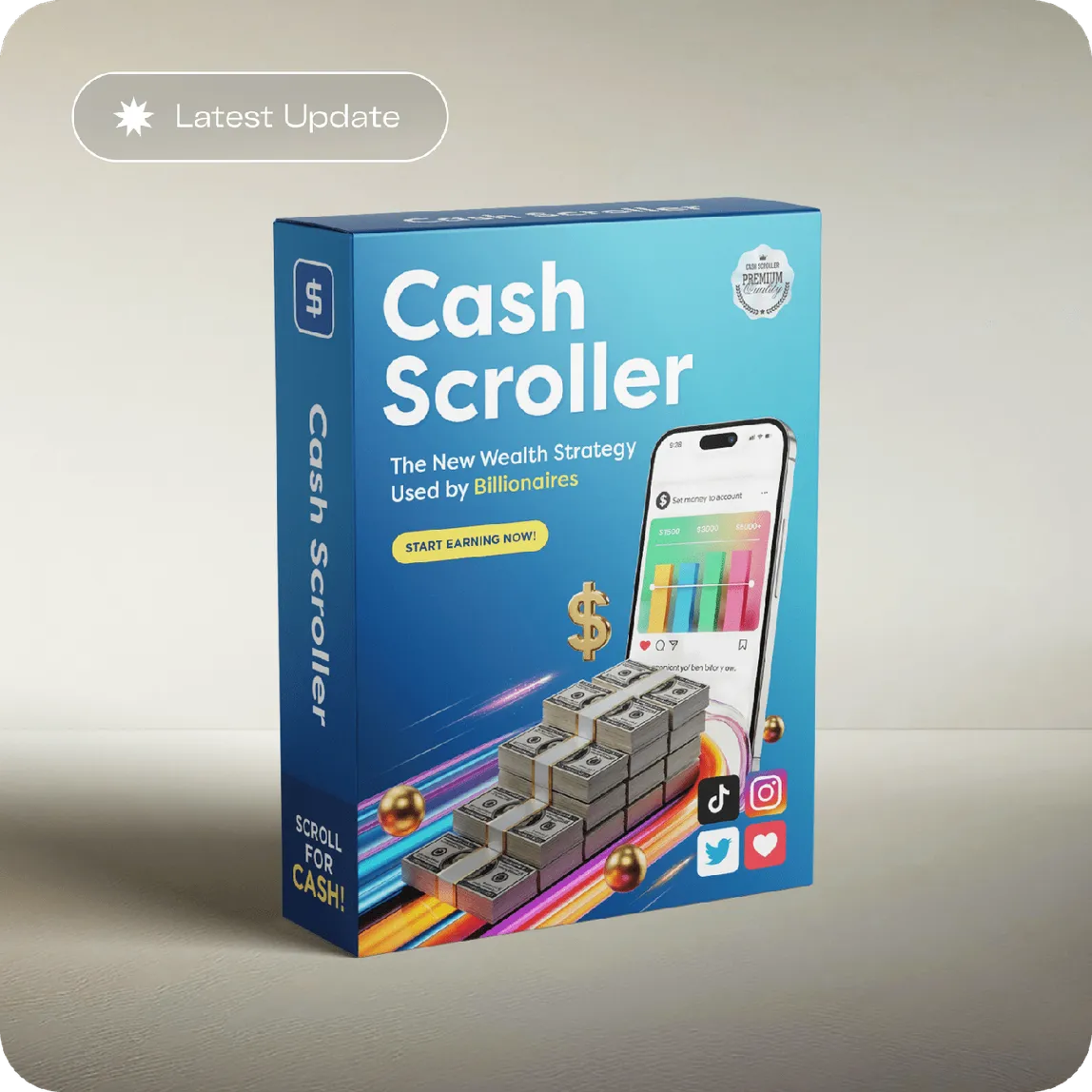
Try Cash Scroller inside the 60-day window
The main Cash Scroller page leads to the official checkout. The one-time price and the 60-day money-back guarantee through ClickBank are shown there before you pay.
Check the Cash Scroller Guarantee